Give your shop the till it deserves.
The till, the Back Office and the phone app for UK convenience stores, newsagents and off-licences. Tap any sale and watch it happen at the counter.
- Ready on day one
- Keeps selling offline
- iPhone and Android
- Help without a visit
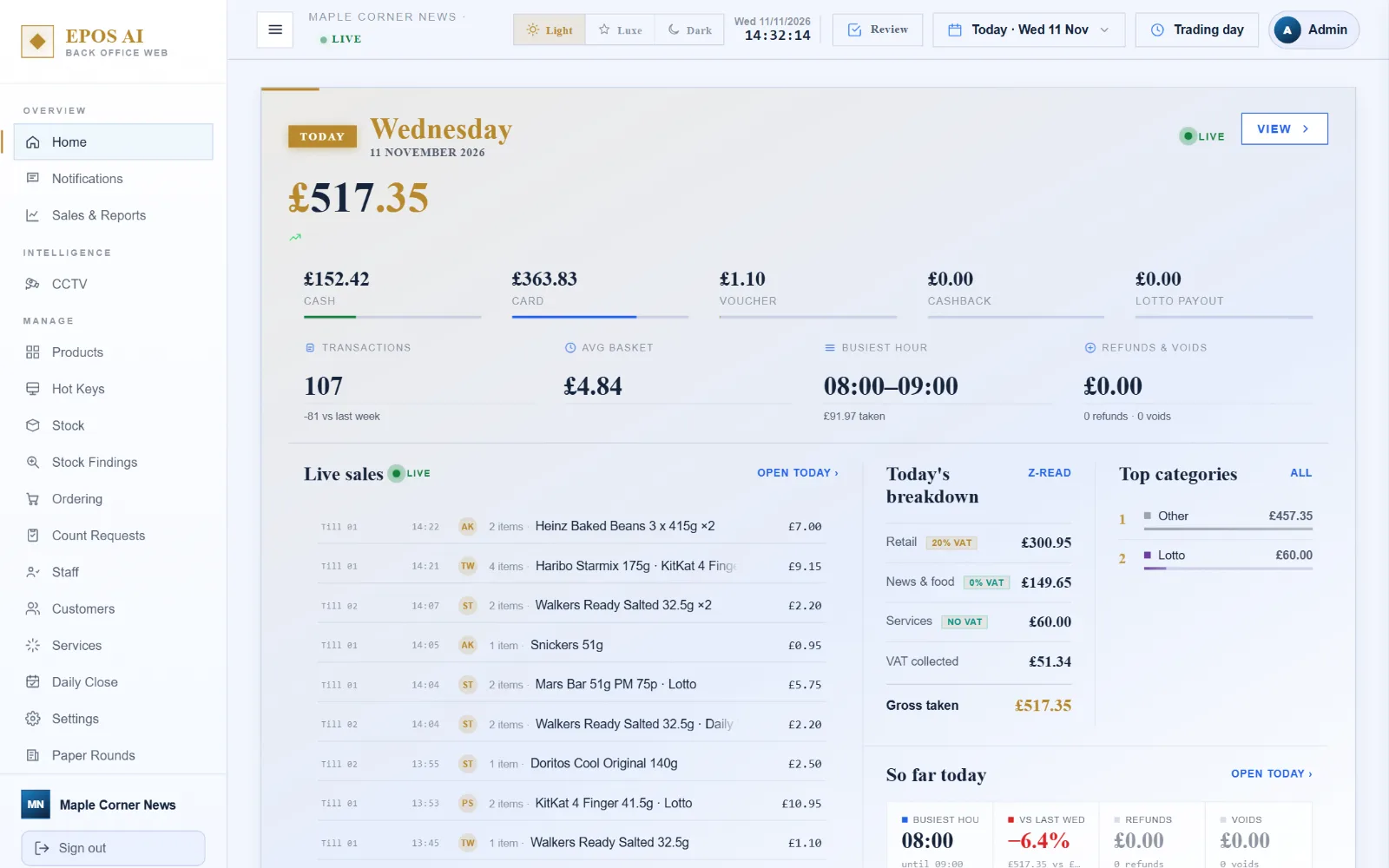
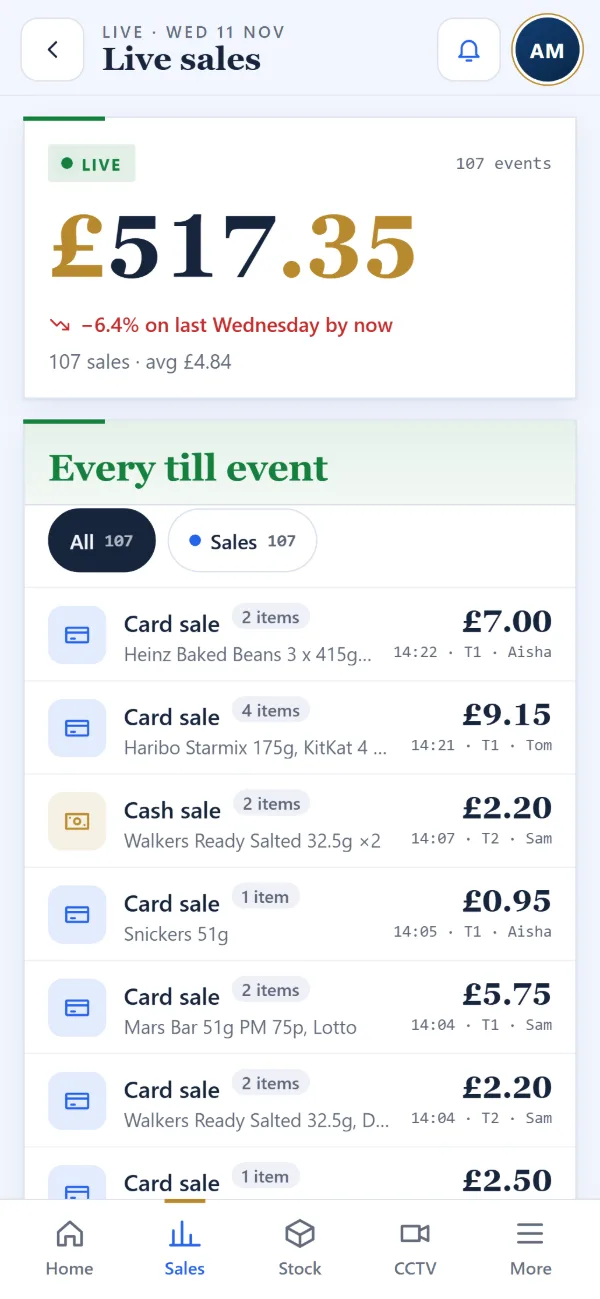
Tap a sale. Watch it happen.
Both counter cameras at the exact moment, with each product as it was scanned, the total and how they paid. No more scrolling through hours of video.
 Till view14:32:00
The till camera
 Behind the counter14:32:00
Behind the counter
Refunds and voids
See exactly what came back across the counter, and who did it.
No-sales and drawer opens
Every time the drawer opens, it is there to watch.
Phone or Back Office
Tap from the live list on your phone, or from the sales page.
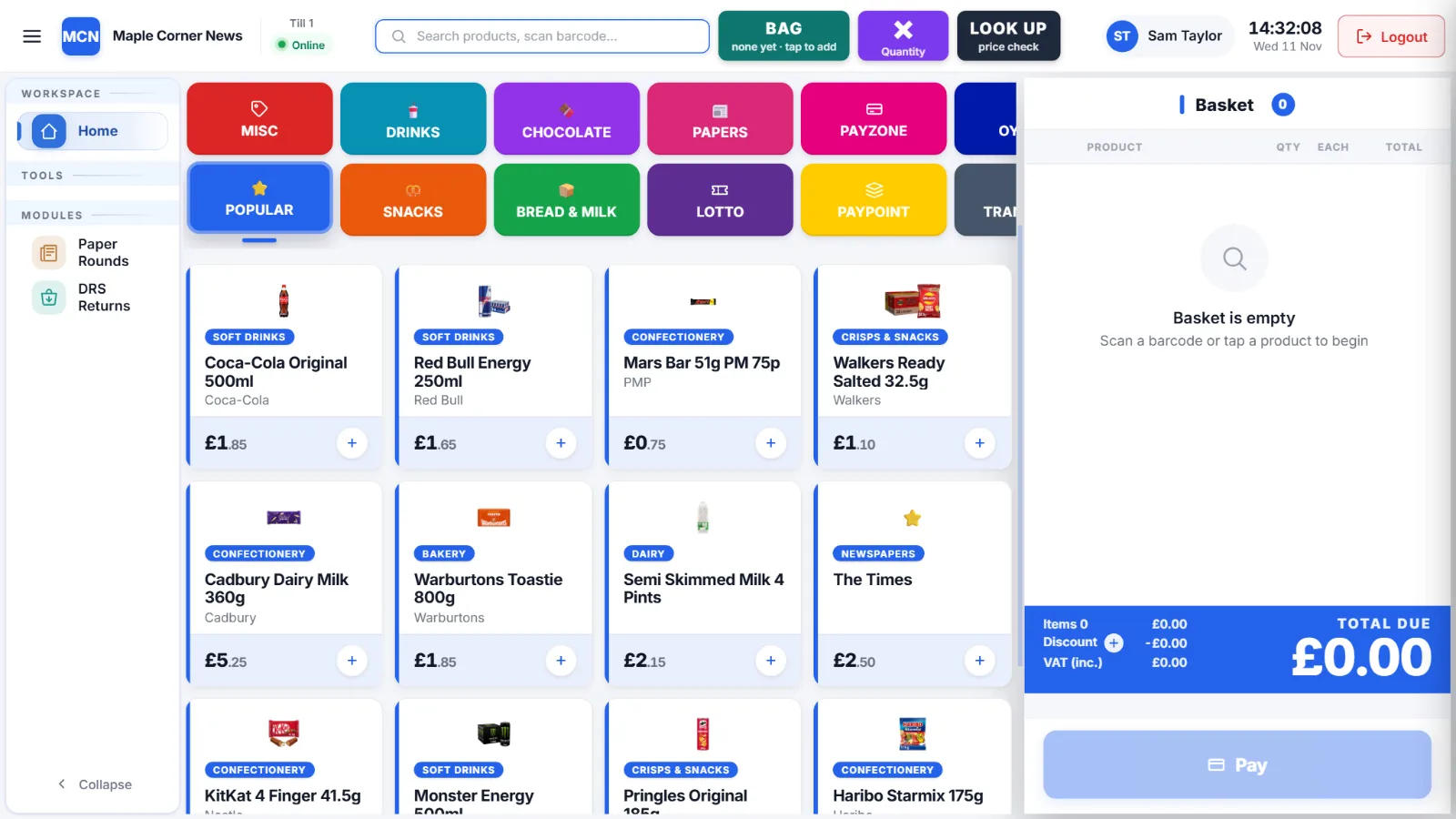
Easy at the counter. Quick in a queue.
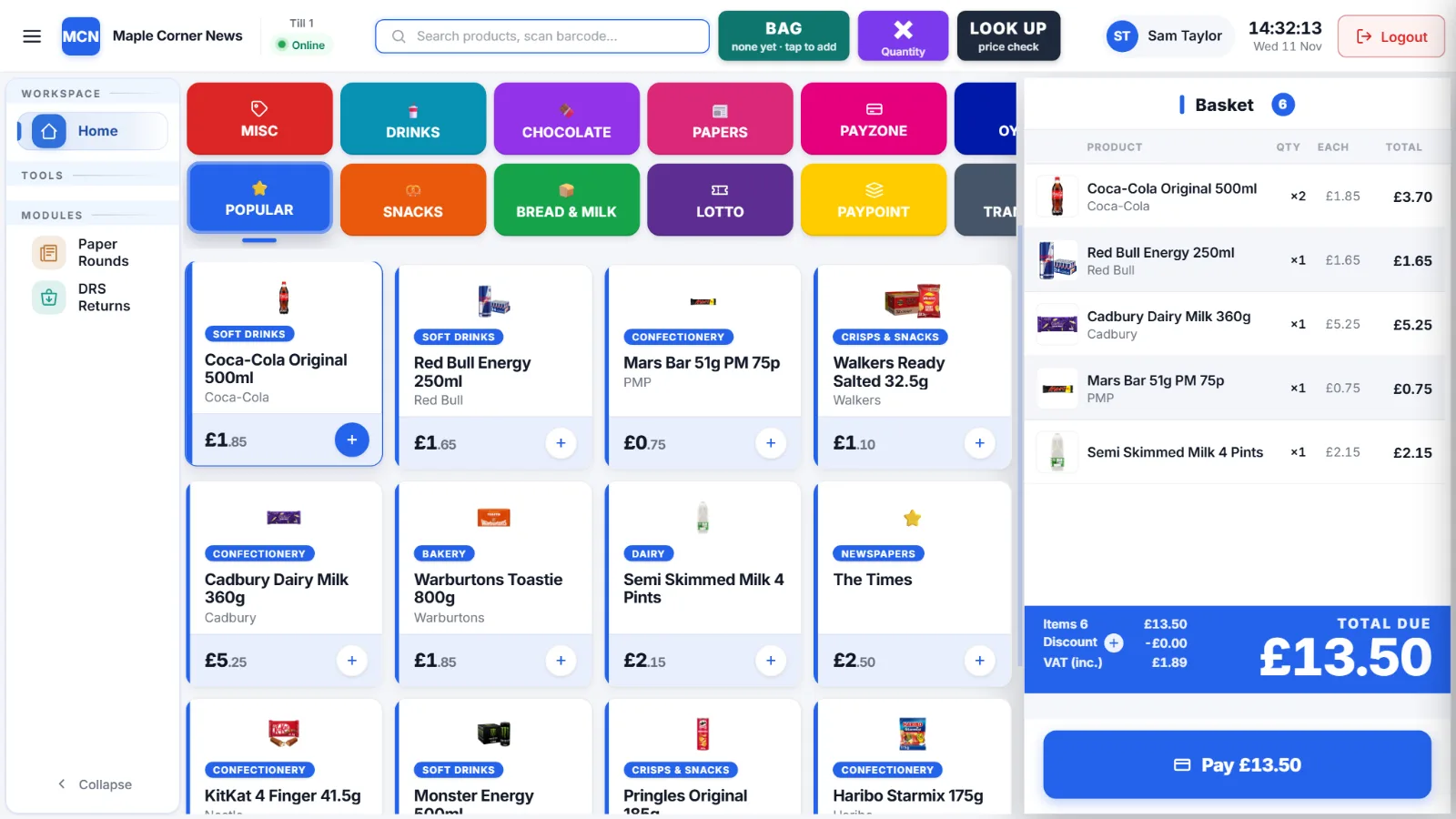
Thousands of products with pictures are ready before your first sale. Scan a barcode and it already knows.
Ready on day one
Products, pictures and details already in the library.
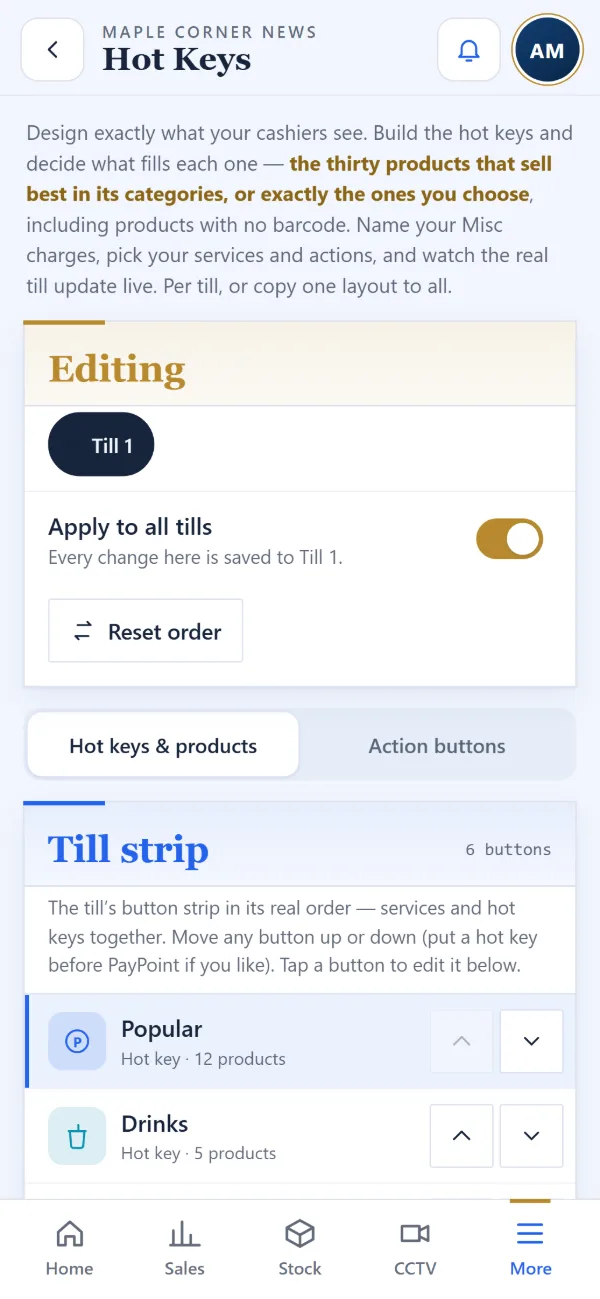
Hot Keys you design
Big coloured buttons in your own order. The till updates live.
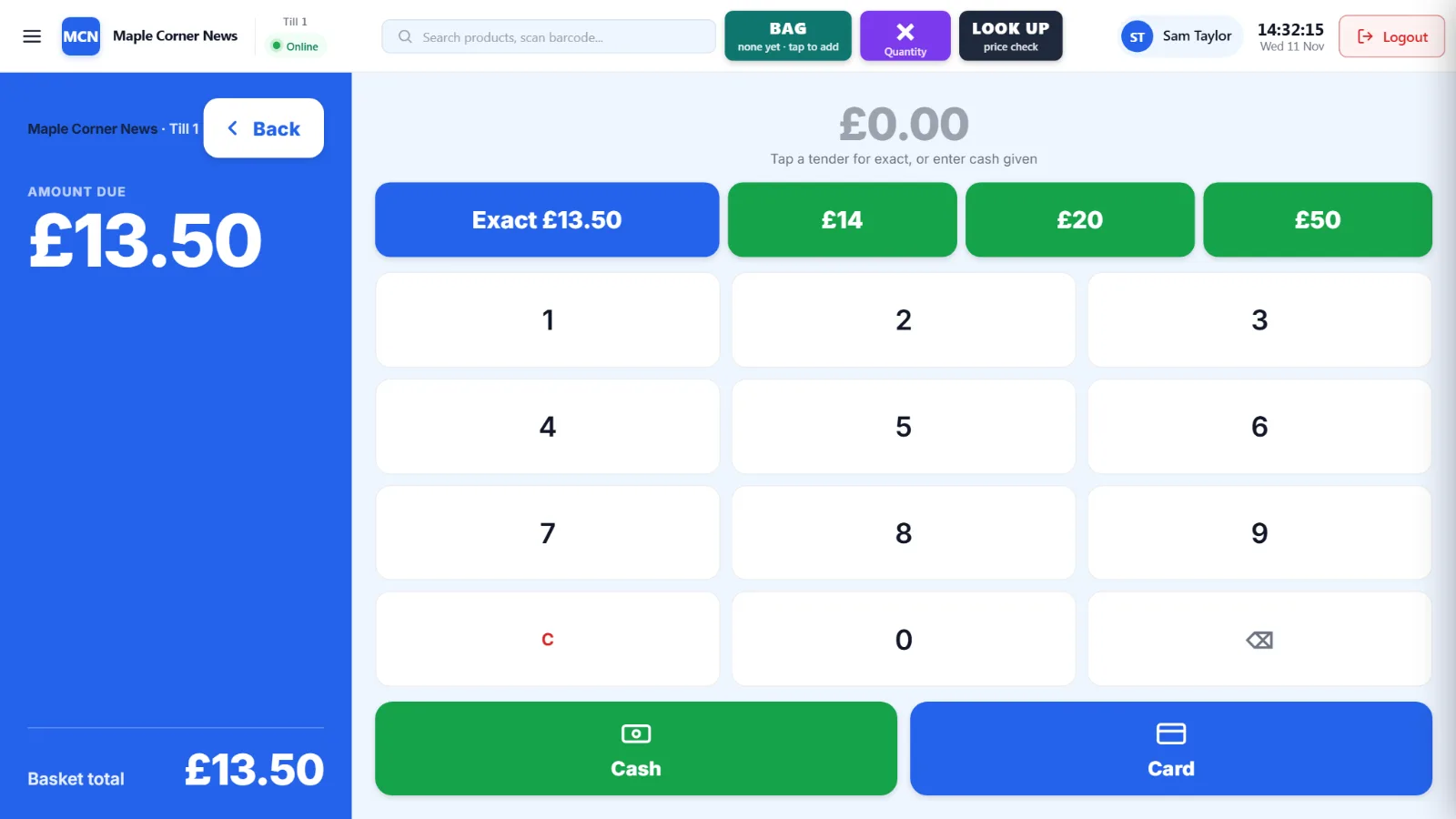
Linked to your card machine
The amount goes across by itself. Cash back right in the basket.
Sells through outages
The internet drops, the till carries on, and catches up after.
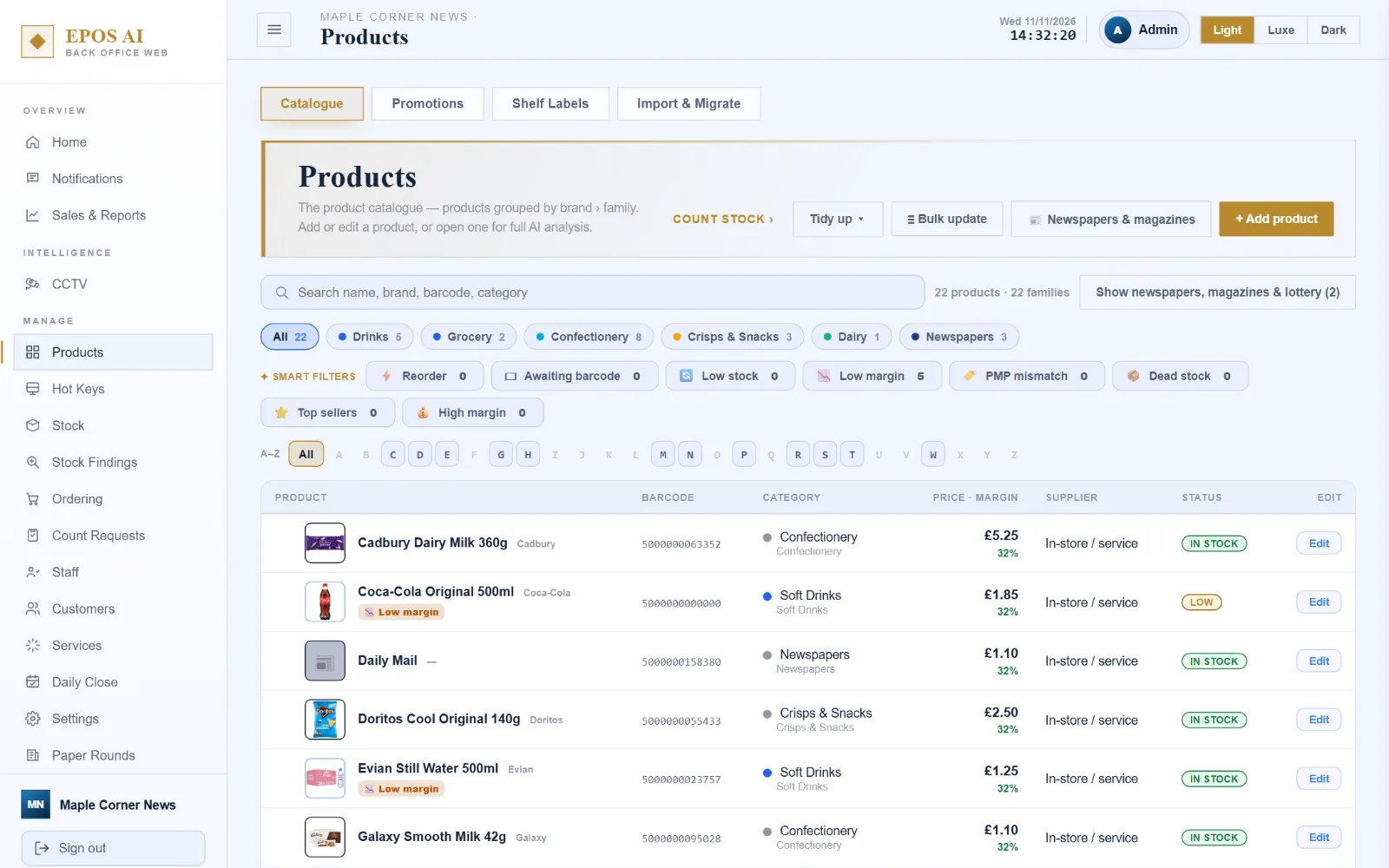
Your figures, clearly kept.
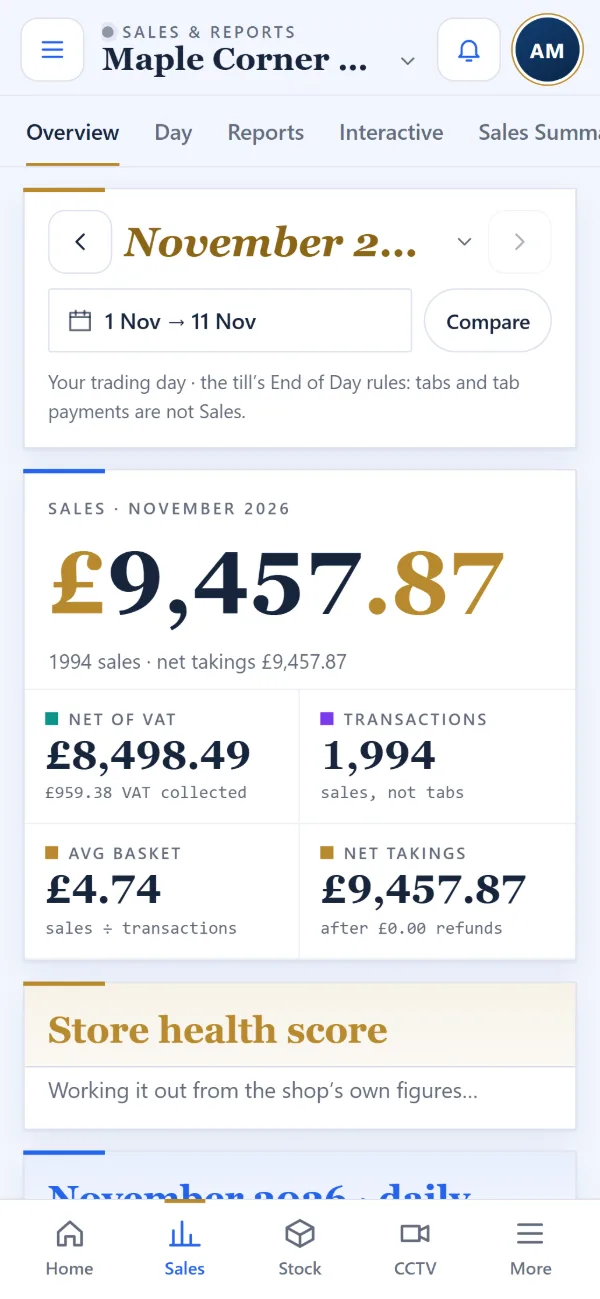
On any computer, any time. Sales by your own trading day, not midnight to midnight.
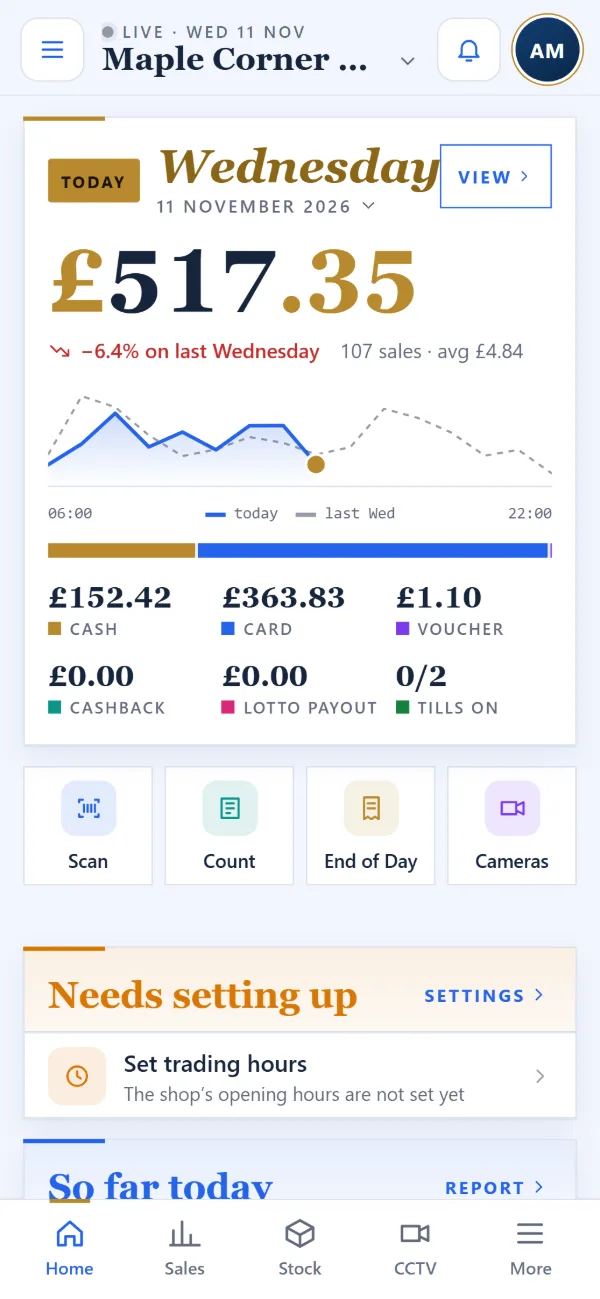
- Today against last week, at a glance
- Delivery in: scan what arrives, check it against the invoice
- Count only what matters: tobacco, vapes and alcohol
- Your order list is made from what sold
- Each member of staff only sees what you allow
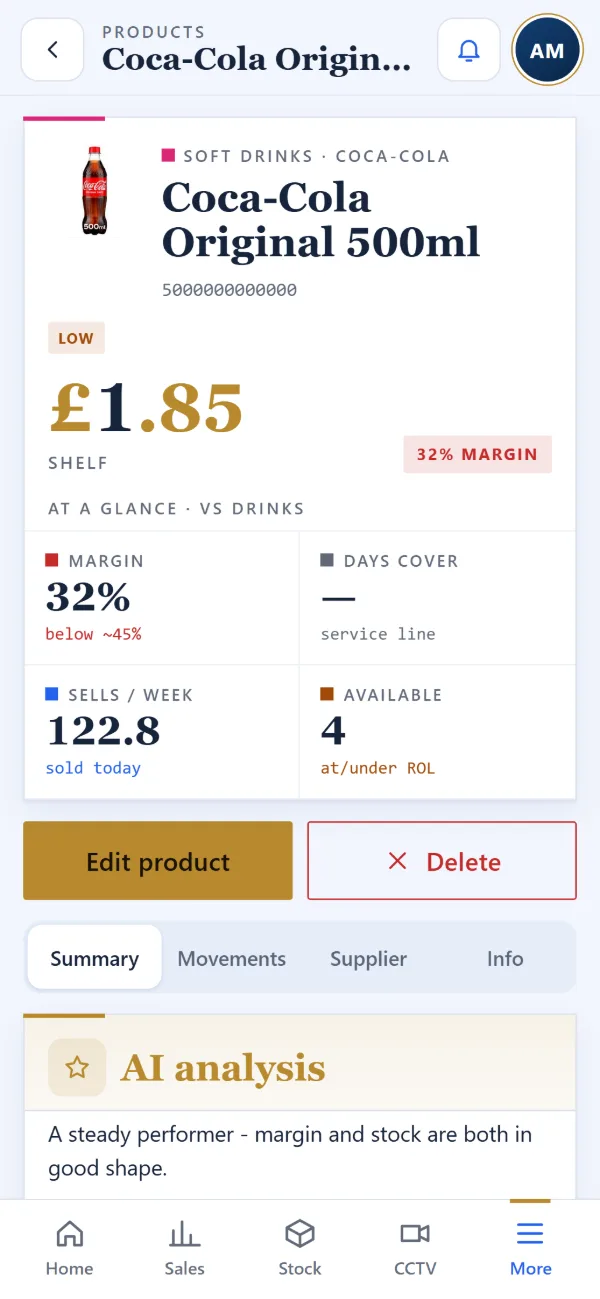
The shop, wherever you are.
Every till event as it happens: sales, refunds, no-sales and lotto pay-outs. Today against last week. Many shops, one login. On iPhone and Android.
Find the customer. Take the money.
Type a house number or a street. The bill is right there: what they owe, this week’s papers and their holidays. Try it.
- Weekly bills made by themselves
- Holidays and vouchers taken care of
- Receipt printed, balance updated
EPOS AI and a typical EPOS
Side by side, in plain words. Tap a line to read more.
Customers, rounds, holidays and weekly bills live in the till. Type a house number and take the money.
Every sale, refund and drawer open sits next to the camera at that exact moment.
Scan a barcode and most products are already there, with a picture and the right details.
Today’s titles are ready to scan, at today’s price.
Rung through the till and checked when you close, so you see straight away if anything is missing.
Live sales, reports and your shop in your pocket, wherever you are.
Your order list is ready from what sold this week. No walking the shelves with a pen.
We can see your till and fix it while you keep serving.
Each shop’s figures are kept apart, all under one login.
The till keeps taking money. Everything catches up when the internet is back.
No typing the amount twice, and cash back is added right in the basket.
“A typical EPOS” means a general till system for UK shops. Every system is different, so check what yours includes.
Good questions
What if the internet goes down?
The till keeps selling. Everything catches up by itself when the internet is back.
Do I have to type in all my products?
No. Scan a barcode and most products are already there, with a picture and the right details.
Can I use the cameras I already have?
Yes. We link the cameras your shop already has. Ask us about your recorder.
Does the phone app work on iPhone?
Yes. It works on iPhone and Android.
Can my staff see everything?
No. You choose what each person can see and do.
What if I get stuck?
Press Till Help. We can see your till and fix it from here, no visit needed.
How much does it cost?
Book a free demo and we will give you one clear price for your shop. No surprises.
See it in your shop.
We show you a sale on camera, the phone app and the till. On a call or at your counter. It takes about 20 minutes.
- No cost, no pressure
- One clear price for your shop
- We answer every question